Key points
- A chatbot holds a conversation. A rule-based automation runs a fixed flow. An AI agent works toward a goal and decides the next step itself.
- Agents help when a task has several steps across more than one tool and each step depends on the last one.
- For questions about prices, hours, services and orders, a chatbot that answers from your own information is enough, and it is cheaper and more predictable.
- You are responsible for what your bot says. Give an agent only the access its job needs, and make anything with a cost wait for a person's yes.
- A simple exercise sorts each step of a task into "on its own", "needs approval" or "never".
A customer writes to your online shop: "I got the wrong size, I need to swap it by Friday because it's a gift." A chatbot explains your exchange policy and asks for the order number. A rule-based automation opens a ticket and sends a standard email. An AI agent finds the order, sees the right size is in stock, prepares the exchange with Wednesday shipping, writes the reply and asks you for one "yes" before the parcel goes out.
What is a chatbot?
A chatbot is software that holds a conversation. The customer types a question, the chatbot answers, and the customer's next message decides what happens next.
Older chatbots matched keywords to scripted answers, and anything outside the script got "sorry, I didn't understand". An AI chatbot uses a language model, so it understands questions in people's own words. A good one answers from information you gave it (prices, hours, services, policies) and passes the conversation to a person when it has no good answer.
A chatbot can also use a tool, such as an order lookup or a calendar check. What makes it a chatbot is that it responds: one message in, one answer out. For a small business, that covers most daily contact: "how much is it", "are you open Sunday", "where is my order".
What is an AI agent?
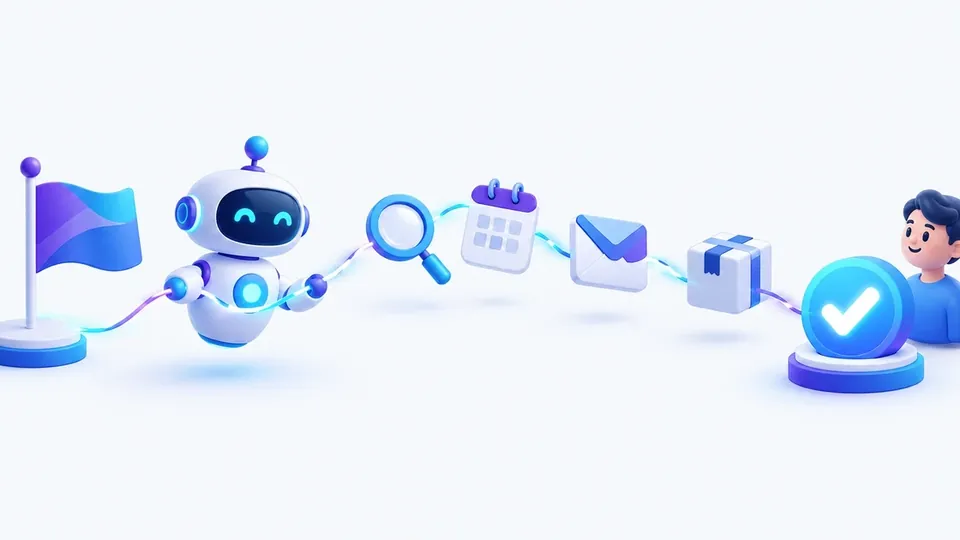
An AI agent is given a goal rather than a question. It decides which steps to take, uses your business tools to take them, checks what each step returned and chooses the next one, within limits you set.
Think of a new employee. You do not say "press this button, then that one". You say "when someone asks for an appointment, book it", and show them the calendar, your hours and what to do when there is no free slot. They decide the order of the steps, and ask when something comes up that you did not explain. A well set up agent works the same way.
A useful technical line comes from Anthropic's guide to building agents. It separates workflows, where the model and tools follow paths written in advance, from agents, where the model directs its own process and tool use. The same guide advises using the simplest solution that works, which sometimes means no agent at all. You will also see "agentic AI": the broader term for AI that plans and acts toward a goal, often several agents working together.
An agent is not a chatbot with a new name. If the software only answers, it is a chatbot, however good the answers. It is also not a "digital employee" that does everything alone. No agent available to a small business today runs a whole job safely without limits and checks.
AI agents vs chatbots: what is the real difference?
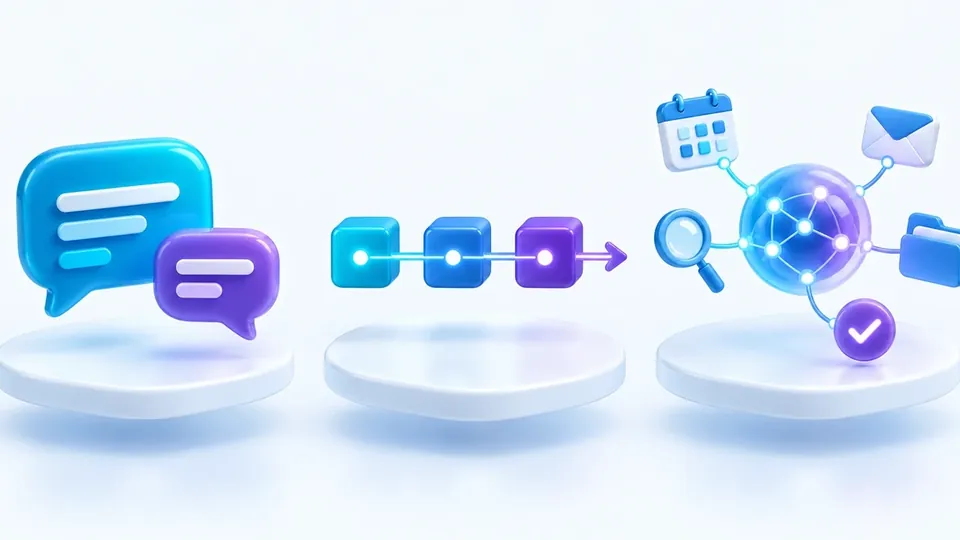
The three often sit inside the same product, which is why people mix them up. The useful question is who chooses the next step. With a chatbot, the customer does, by asking again. With a rule-based automation, you did, in advance, when you wrote the rule. With an agent, the agent does, based on its goal and what it finds.
| Feature | Chatbot | Rule-based automation | AI agent |
|---|---|---|---|
| Main job | Holds a conversation | Runs a fixed flow | Works toward a goal |
| What it decides | What to answer | Nothing outside the rule | Which allowed action comes next |
| Tools | Optional, such as a calendar or catalog | Fixed connections | Chooses among the tools it was given |
| Steps | One per answer | As many as the flow defines | Several, chosen as it goes |
| When something goes wrong | Says it does not know, or hands over | Stops | Tries an allowed alternative, then hands over |
| Example | Tells a customer where their order is | Sends an email after each purchase | Handles a return and prepares the exchange |
If you are deciding what to automate with rules, our guide to AI automation for small business covers 12 common tasks and which of them need AI at all.
What can an AI agent do that a chatbot cannot?
The examples below are realistic for a small business with its tools connected. Each one names the point where the agent stops and waits for a person. That stop is the most important part of the setup.
Online shop: returns and exchanges
The agent reads the request, finds the order by name or email, checks the purchase date against the return policy, sees whether the replacement is in stock, prepares the return label and instructions and writes the reply. It stops before any refund, any exception to the policy and any dispute, and shows you the facts and its suggestion. It needs a written return policy, not "case by case".
Clinic or therapist: appointments from free-text messages
The agent reads "can I come tomorrow afternoon after work?", checks the calendar, offers two times, holds the one the patient picks, sends a confirmation and schedules a reminder. If the patient changes their mind, it runs the loop again. It stops the moment a message mentions symptoms or treatment and replies that the clinic will call. The calendar must be the only place appointments live, and health details should not pass through the agent.
Service business: new quote requests
The agent reads the form or email, works out which service is wanted, checks whether what, when, where and budget are there, creates the lead record, replies asking for what is missing, and suggests your next step. It stops before committing to any price, deadline or job.
Office: incoming invoices
The agent picks up the file or photo from email, extracts supplier, date and amounts, notices what is missing and prepares either the entry or an email asking for the missing detail. It stops before final bookkeeping decisions and before anything is submitted. An accountant still checks.
The pattern is the same in all four: the agent does the looking up and preparing, which is most of the time spent, and leaves you the decision, which matters most.
When is a chatbot enough?
A chatbot is enough when most messages are questions, the answers come from information you already have, and the next step after the answer is the customer's: they book, buy, call or leave.
A one-line test helps. Describe the job in one sentence. If it starts with "answer", it is a chatbot. If it starts with "when X happens, do Y", it is an automation. If it starts with "take care of" and has more than three steps that change from case to case, it may be a job for an agent.
A reminder the day before an appointment is a rule, cheaper and more reliable than an agent. Agents make sense when four things are true together. Requests differ from customer to customer. Information arrives in different forms, such as text, photos and email. The job uses more than one tool. And each step depends on what the previous one found.
At PIXON we work the same way. The base of our AI chatbot for small business websites is a chat that answers from your information and hands over to a person, at €300 one-time plus from €25 per month. Some add-on features take a few agent-like steps inside one narrow job: appointment booking reads the request, checks your Google Calendar and offers other times when a slot is taken, and AI Email drafts replies that can wait for your approval. We do not sell multi-agent systems as a package, because for a small business they add more risk than value today.
What are the risks of AI agents, and how do you limit them?
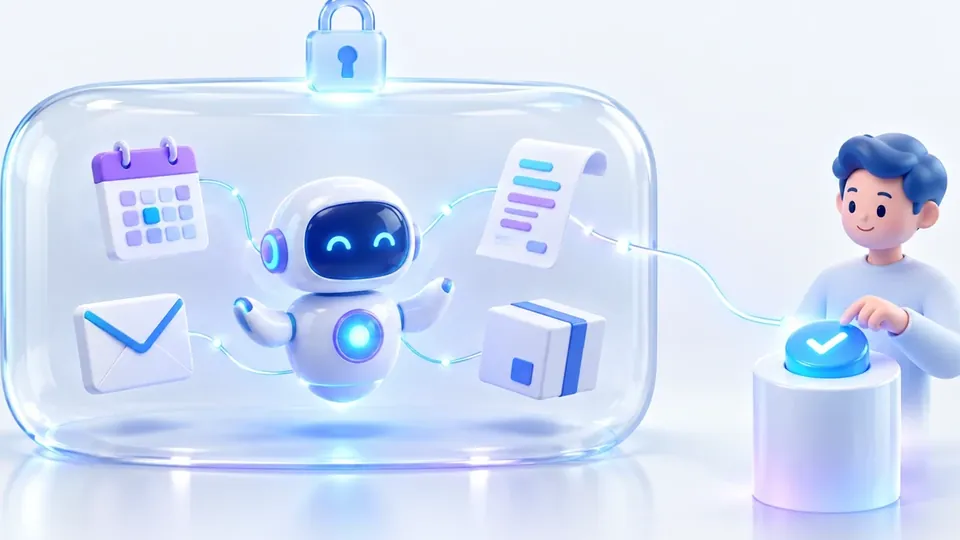
A chatbot that is wrong gives a wrong answer. An agent that is wrong can take a wrong action. Five risks matter for a small business.
- Wrong information. In Moffatt v. Air Canada (2024), a Canadian tribunal ordered the airline to pay CA$812.02 after its website chatbot told a customer they could apply for a bereavement fare retroactively, which the airline's policy did not allow. The tribunal rejected the idea that the chatbot was responsible for its own actions: the company is responsible for all the information on its website. Protection: answer only from approved information, otherwise hand over.
- Too much access. The OWASP project calls this excessive agency: more tools, more permissions or more autonomy than the job needs. Protection: give the appointment agent the calendar, not your invoices, and require a person to approve high-impact actions.
- Hidden instructions. An agent reads emails, forms and web pages, and some of that text may try to give it orders. OWASP lists this as indirect prompt injection. Protection: content from outside is data, never a command, and sensitive actions always need approval.
- Runaway retries. A failed step tried again and again can run up costs. Protection: a limit on attempts and on spend, then an alert to you.
- Data sent to the wrong place. Protection: a short list of allowed recipients, a log of every action and a way to undo it.
For customers in the EU, two legal points matter. First, under the AI Act, the European Commission explains that people should know when they are talking to a machine. These transparency rules have applied since August 2026. Second, Article 22 of the GDPR gives people the right not to be subject to a decision based solely on automated processing with legal or similarly significant effects. There are limited exceptions, and people keep a right to human intervention. An agent that offers appointment times is nowhere near that line. One that rejects a customer's application on its own may be.
How do you start with an AI agent safely?
Use the three boxes exercise. Take the task you want to hand over and write each step on its own line. Next to each line, mark A (it can do this on its own), B (it prepares, a person says yes) or C (never). Actions that are repeated, easy to undo and cheap if wrong go in A: offering times, a provisional booking, a confirmation, sorting email, drafting a reply. Actions with a cost, or that are hard to undo, go in B: a replacement shipment, a refund, a supplier order, a reply to a complaint that could go public. Medical, legal and staff decisions, large payments and discounts you have not approved in advance go in C.
If no step is C and most are A or B, the task suits an agent with approval points. If several steps are C, keep the task with a person and automate only the A steps around it.
Then write down the information it needs and the approval points, and run a two-week pilot where you see every action before it goes out. Decide with numbers: cases handled, cases that needed approval, time you got back. Loosen supervision only on actions that proved reliable. An agent does not learn by itself: if your hours change, someone has to tell it.
Common questions
What is the main difference between an AI agent and a chatbot?
Who picks the next step. A chatbot answers each message, and the customer decides what happens next by asking again. An AI agent is given a goal, such as handling a return, and chooses its own steps: it looks up the order, checks the policy, prepares the solution and stops for your approval where you told it to.
Is an AI chatbot enough for a small business?
For most small businesses, yes, at least to start. If most of what customers send you is the same questions about prices, hours, services and orders, a chatbot that answers from your own information and hands over to a person covers it. An agent makes sense when a task has several steps across more than one tool and the next step depends on what the last one found.
Can an AI agent work without a person?
For small, repeated actions that are easy to undo, such as offering appointment times, sending a confirmation or sorting email, yes. For anything with real consequences, such as refunds, discounts, orders to suppliers, medical or legal advice and decisions about staff, no. Those should wait for a person to approve them.
Am I responsible for what my chatbot or agent tells customers?
You should assume so. In Moffatt v. Air Canada in 2024, a Canadian tribunal held the airline responsible for wrong information its website chatbot gave a customer and rejected the argument that the chatbot was responsible for its own actions. That is why the chatbot should answer only from your approved information and send people to you when it is not sure.
What is agentic AI?
Agentic AI is the general term for AI that plans and carries out actions toward a goal. In practice it often describes larger systems where several agents work together, one reading email, another checking a calendar, another writing the reply. For a small business, a single agent with a narrow job and clear limits is the realistic starting point.