Key points
- WooCommerce is a WordPress plugin, developed by Automattic, with more than 7 million active installations according to WordPress.org.
- No subscription and no platform commission. You pay for hosting, extensions, payment fees and the build.
- You own the code, the data and the customer list, and you can move host at any time.
- You, or a partner, look after updates, backups and security. That is the trade-off.
- A subscription platform such as Shopify is simpler to run and costs more as you add apps and sales.
What is WooCommerce, in plain terms?
WordPress is a content management system: it runs pages, posts, images and users. On its own, it has no idea what a product, a cart or an order is. WooCommerce is the plugin that adds exactly that. Its official listing on WordPress.org describes it as the open-source ecommerce platform for WordPress, names Automattic as the author and shows more than 7 million active installations. The version listed there in November 2026 is 11.3.
Once you install and activate it, WordPress gains:
- Products with prices, stock, variations such as size and color, categories and images.
- A cart and a checkout.
- Tax and shipping settings, by country or region.
- An order list with statuses such as processing, completed and refunded.
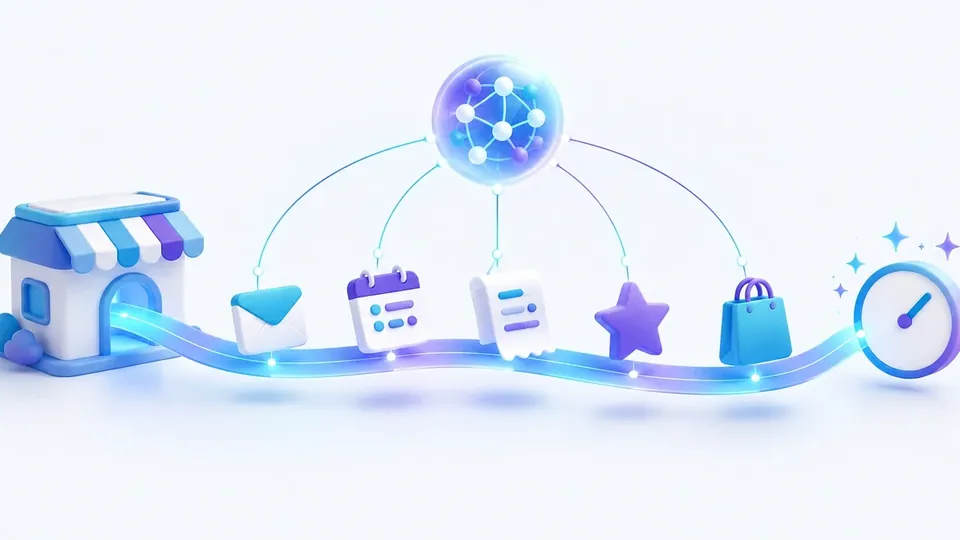
- A system of extensions for anything it does not do on its own.
Three things set it apart from subscription platforms. It is open source, so the code is free to use and to inspect. It is self-hosted, so the shop and its customer data live on a server you choose. And it is extendable, so almost any feature can be added. WooCommerce's own product page puts it as owning your site, code and data. That freedom is the main advantage, and also the main responsibility.
How does a WooCommerce shop work?
A WooCommerce shop is four layers that have to work together. Knowing them explains why one WooCommerce shop is fast and stable while another, on the same software, is slow and breaks on every update.
- Hosting. The server the shop runs on. WooCommerce publishes its server requirements: for recent versions that means PHP 8.3 or newer, MySQL 8.0 or MariaDB 10.6 or newer, HTTPS, and a memory limit of at least 256 MB. A shop with hundreds of products also needs caching on the server. Cheap shared hosting is the most common reason a shop feels slow.
- WordPress and WooCommerce. The core software. Both release updates regularly, which close security holes and add features.
- The theme. How the shop looks: home page, categories, product pages and checkout. A heavy multipurpose theme loads features you never use on every page. A light or custom theme loads only what the shop needs.
- Extensions. Payment gateways, shipping labels, product feeds, invoicing, SEO, caching, backups. Each one is code that runs on every page load, so fewer, better extensions make a faster shop.
The part most owners underestimate is updates. WordPress, WooCommerce, the theme and each extension release new versions every few weeks. Skip them and the shop stays exposed to known security holes. Install them without a backup and a conflict can break the checkout on a Friday night. That is why a WooCommerce shop does not end on launch day. It continues as maintenance, done by you or by someone you pay.

Is WooCommerce free? What you actually pay
"Free" is true for the software and misleading for the shop. Here is every cost in the first year, with who you pay. Where a figure is ours, it is PIXON's published price. Where it belongs to someone else, it links to the source.
| Cost | Who you pay | How much |
|---|---|---|
| WooCommerce and WordPress | Nobody | €0 |
| Platform commission on sales | Nobody | €0 |
| Payment processing | Your payment provider | A fee per transaction, set by the provider you choose |
| Hosting | Your hosting provider | With PIXON, €12.50 per month, or €25 per month with maintenance included, both billed yearly |
| Domain | Your registrar | A yearly fee set by the registrar |
| Paid extensions, if needed | Each extension's developer | Usually a yearly license. Example: WooCommerce Subscriptions lists at €252 per year |
| Theme | The theme's developer, or included in a custom build | Free, a one-off license, or part of the build |
| Build and setup | You, or whoever builds it | Our shop packages start from €1,500 |
Busier shops often add a maintenance plan built for ecommerce. Ours, E-Commerce Care, starts from €100 per month, billed yearly, and covers updates checked with test transactions, monitoring of payments and feeds, and priority response. What each shop package includes, and how long it takes in working days, is on our ecommerce design page. Prices exclude VAT. Whether VAT applies depends on where your business is based, and your quote states it clearly.
The one line that does not grow is the platform commission. It stays at zero whether you sell €1,000 or €100,000 a month.
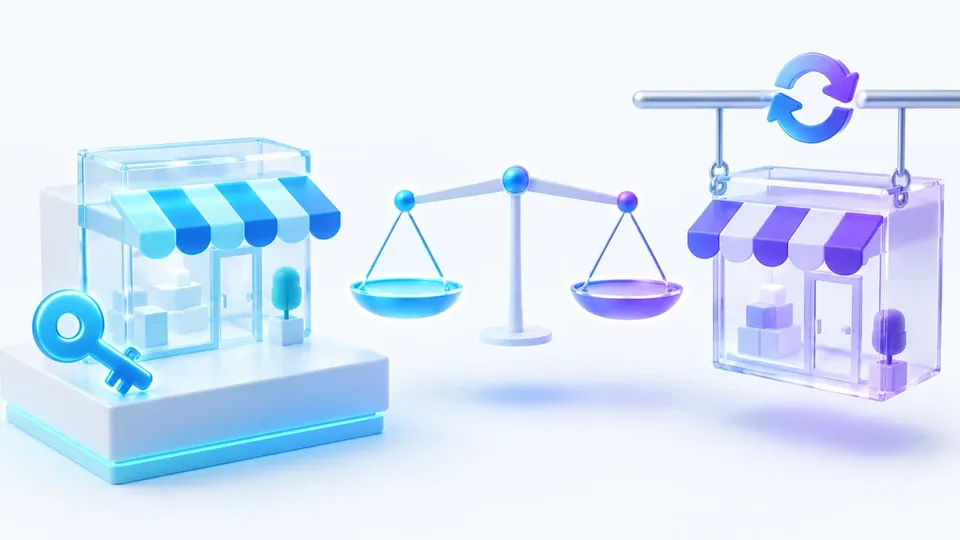
WooCommerce or a subscription platform like Shopify?
A disclosure first: PIXON builds online shops on WooCommerce only. So this comparison is written by someone who has picked a side, which is exactly why it states plainly where Shopify wins. Shopify's prices below come from its pricing page, shown in euros when we checked in November 2026. Prices can differ by country.
| WooCommerce | Shopify | |
|---|---|---|
| Platform fee | None. You pay for hosting. | Basic €27, Grow €74, Advanced €384 per month on monthly billing (€19, €56, €289 on yearly billing). Plus from €2,100 per month. |
| Fee on each sale | Only your payment provider's fee | Online card rate from 1.9% + €0.25 on Basic. If you use an outside payment provider, an extra 2% on Basic, 1% on Grow, 0.6% on Advanced. |
| Ownership | Code, data and design are yours, on a host you choose | Data can be exported, but the shop runs on Shopify's servers for as long as you pay the subscription |
| Maintenance | Yours, or a partner's: updates, backups, security | Handled by Shopify. Its biggest advantage. |
| Customization | Almost anything that can be coded | Wide, within the platform's limits and its app store |
| Starting alone | Harder. Most owners use a developer. | Easier. A simple shop can open quickly from a template. |
A quick example. A shop selling €10,000 a month online on Shopify Basic, with an outside payment provider, pays the 2% extra fee: €200 a month, on top of the subscription and the provider's own card fees. On Shopify's own payments the extra fee disappears, and the card rate is then comparable to any provider's. The fair comparison is therefore subscription and apps on one side, and hosting, maintenance and extensions on the other. Run it with your own sales figures before you decide.
Who is WooCommerce right for?
WooCommerce fits best when at least two of these are true:
- You want to own the shop. The code, the database and the customer list are yours, and you can change host or developer at any time.
- Your sales are growing. With no platform commission, costs grow with your hosting and maintenance needs, not with your revenue.
- You need something specific. B2B price lists per customer, bookings, subscriptions, a custom checkout step or a connection to your ERP or accounting system.
- You want content and shop in one place. Product pages, a blog and landing pages live in the same WordPress site, so a guide can link straight to the products it mentions.
- You have help for the technical side, either a person on your team or a maintenance plan.
KOKKEN, a kitchenware shop we rebuilt, is a good picture of where it fits. It has 502+ products in a single category and runs on a custom WooCommerce theme, with navigation designed for a catalog that size, product feeds to price-comparison sites and a custom analytics dashboard showing top products by revenue and where each order comes from. The main content of its pages loads in under 2 seconds despite the catalog size, because speed comes from the hosting and the theme, not from the platform name. The owner manages products, prices and orders without us.
When is WooCommerce the wrong choice?
It would be easy to say "always WooCommerce". It would also be untrue. In these four cases, something else usually fits better:
- You want no technical responsibility at all, not even through a paid partner. A hosted platform handles servers, security and updates for you, and you pay for that in the subscription.
- You are testing an idea with a handful of products. A simple hosted shop, or selling through social media or a marketplace, can prove demand before you invest in a build.
- You run a very large operation with its own tech team, such as tens of thousands of products across several warehouses. WooCommerce can do it, but it needs serious infrastructure, and enterprise platforms are built for that scale.
- You need to open this week, alone. A template on a hosted platform is faster to launch than a properly built WooCommerce shop.
If one of these describes you, we will say so in our reply instead of quoting a build you do not need.
What should you ask whoever builds it?
Because WooCommerce lets you do almost anything, the quality of a shop depends on decisions made during the build. Before you hire anyone, ask:
- Which hosting will it run on, and does it meet WooCommerce's published requirements? A good answer names the host and the plan, not "we'll find something".
- Which theme, and how many extensions? A good answer lists each paid extension with its yearly license, so the running cost is known before you sign.
- Who runs updates after launch, and is there a backup before each one? A good answer says who, how often, and how a broken update is rolled back.
- Will I get every login? The answer should be yes: hosting, domain, WordPress and each account set up for you.
- If I already have a shop, how will old URLs redirect? A good answer mentions a URL-by-URL map, not a rule that sends everything to the home page.
That last question matters most if you are leaving another platform. Our ecommerce migration SEO checklist shows how a move is done without losing Google traffic.
Common questions
Is WooCommerce really free?
The software is free: you can download WooCommerce and WordPress at no cost, and there is no platform subscription. What you pay for is everything around it: hosting, a domain, any paid extensions your shop needs, your payment provider's fee on each sale, and the build itself if you do not set it up yourself.
Who makes WooCommerce?
WooCommerce is developed by Automattic, together with a large community of contributors. Its official listing on WordPress.org names Automattic as the author and shows more than 7 million active installations.
Do I need WordPress to use WooCommerce?
Yes. WooCommerce is a WordPress plugin, so it runs inside a WordPress website. The upside is that your shop, your blog and your other pages live in one system with one login.
Is WooCommerce better than Shopify?
Neither is better for everyone. Shopify is easier to start and needs no maintenance from you, in exchange for a monthly subscription and, if you use an outside payment provider, an extra fee on each sale. WooCommerce has no subscription or platform fee and lets you change almost anything, in exchange for looking after hosting, updates and backups yourself or through a partner.
Can I move my Shopify store to WooCommerce?
Yes. Products, categories, customers and usually order history can be exported and imported into WooCommerce. The part that protects your Google rankings is the redirect map: every old URL needs a 301 redirect to its new equivalent, because the URL patterns of the two platforms differ.
Do I need a developer to run a WooCommerce shop?
Not for daily work. Adding products, changing prices and stock and processing orders happen in the dashboard without code. A developer helps with the initial setup, connecting payments and shipping, keeping the shop fast, and running updates safely. Many owners handle the daily work and pay for maintenance.